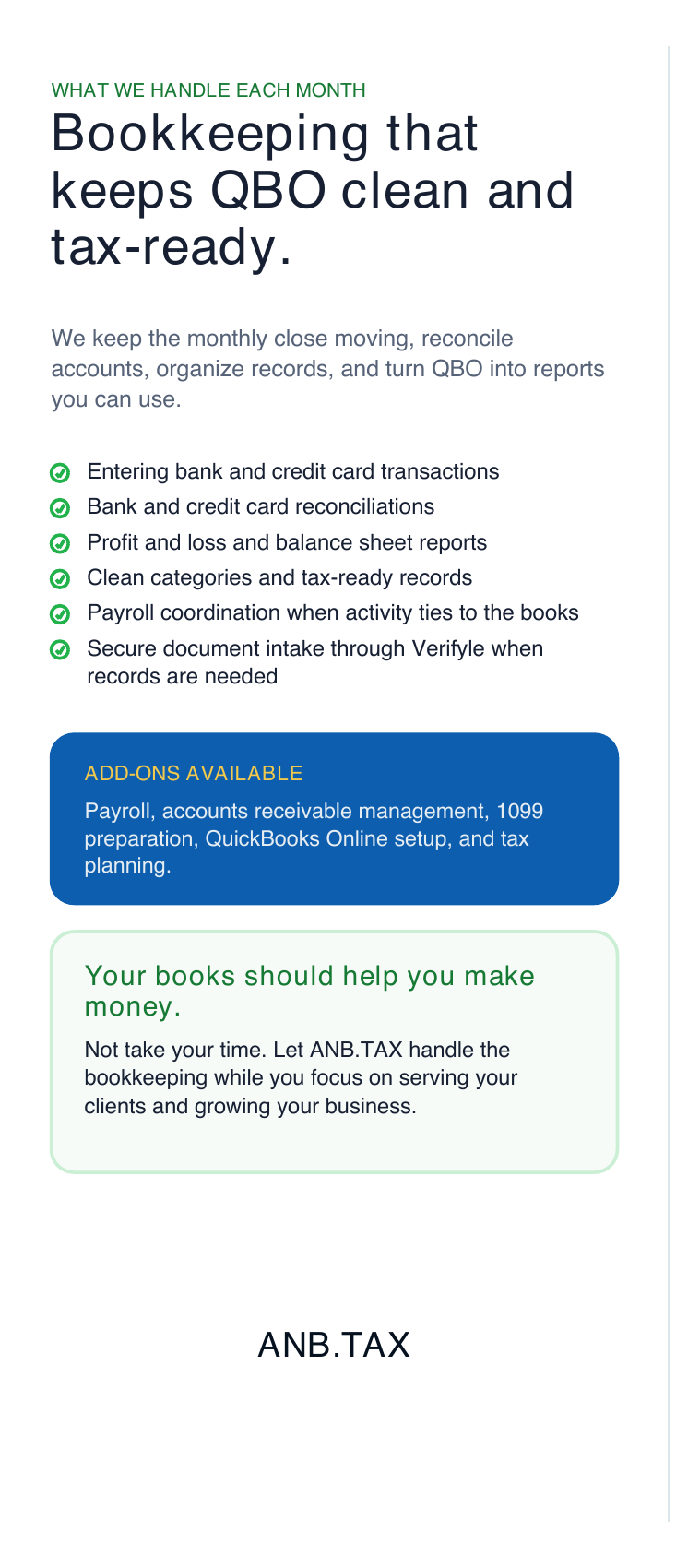

Metrosia plans the message, panel flow, QR tracking, and follow-up so a low-cost printed brochure can move people from handout to call, scan, booking, or quote request.
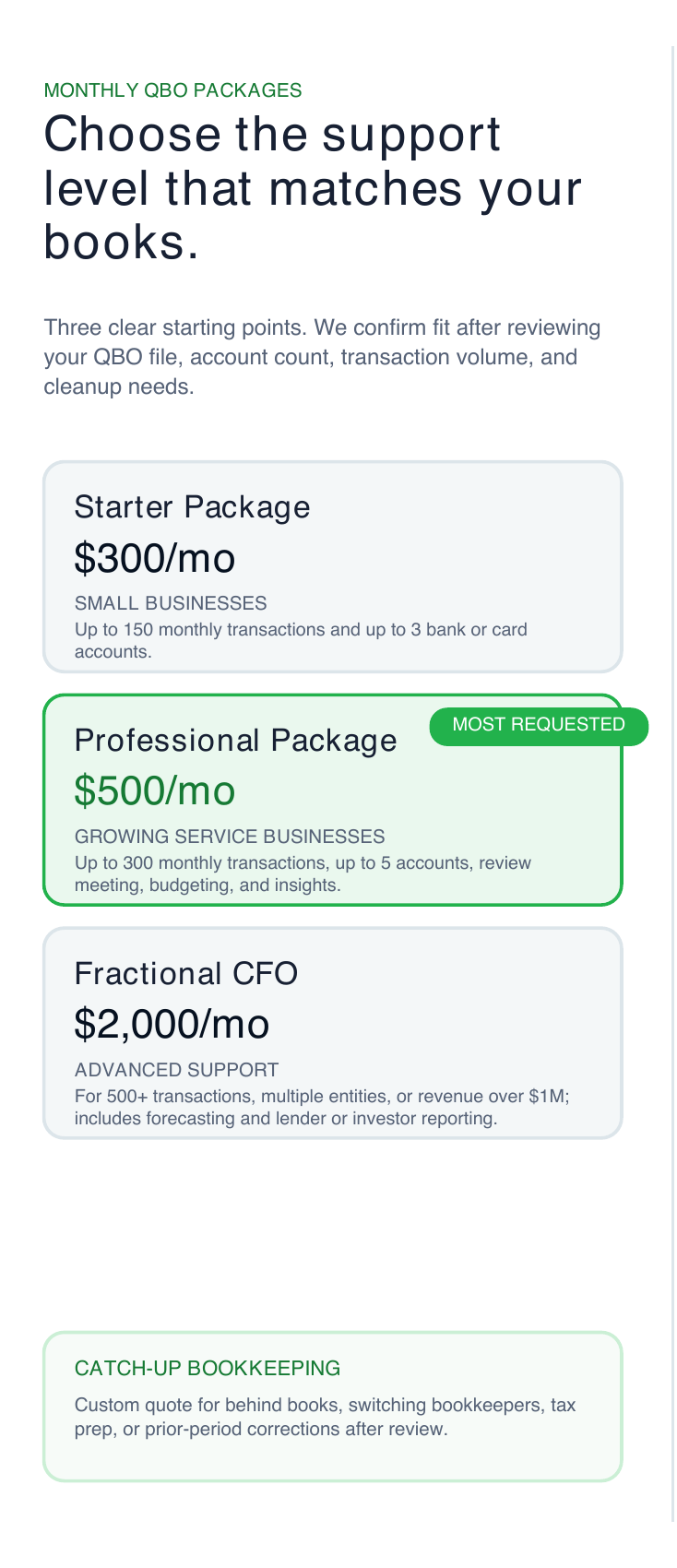
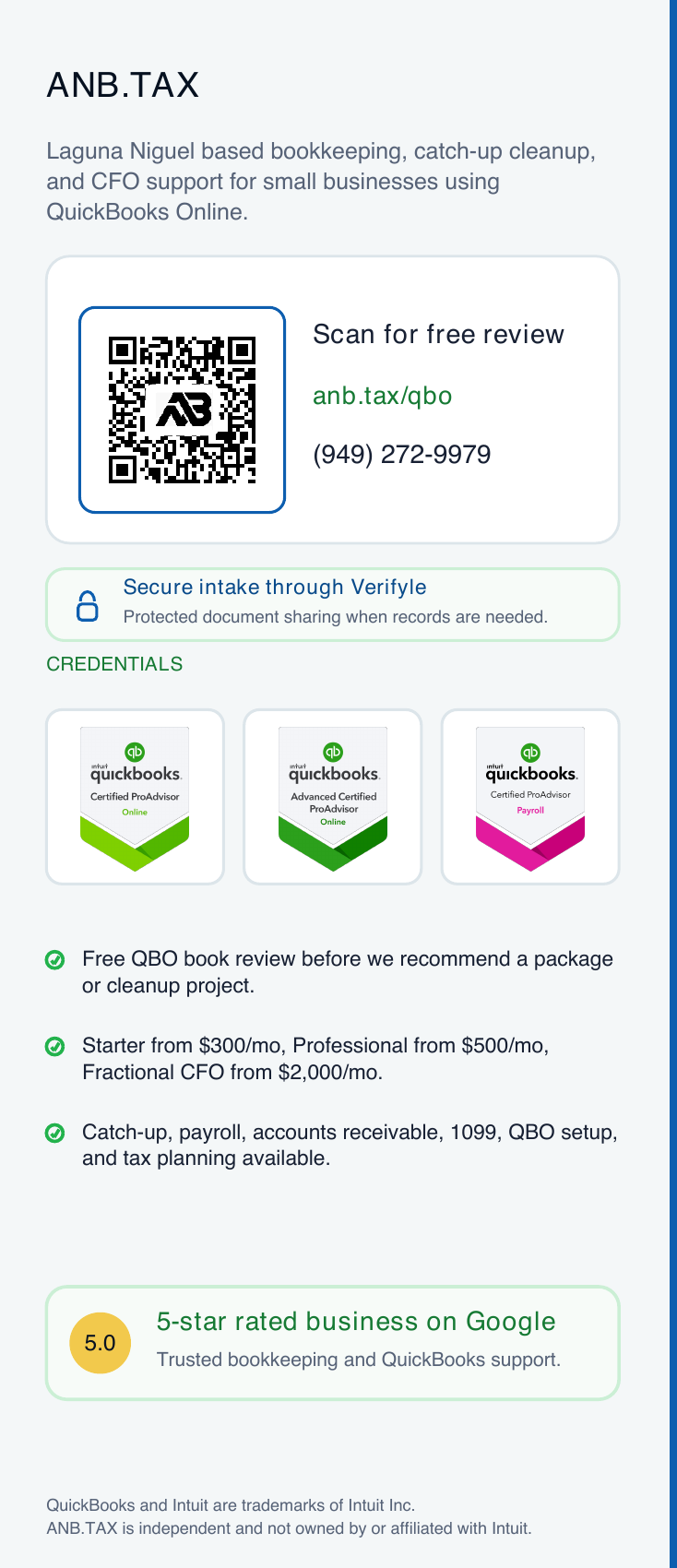
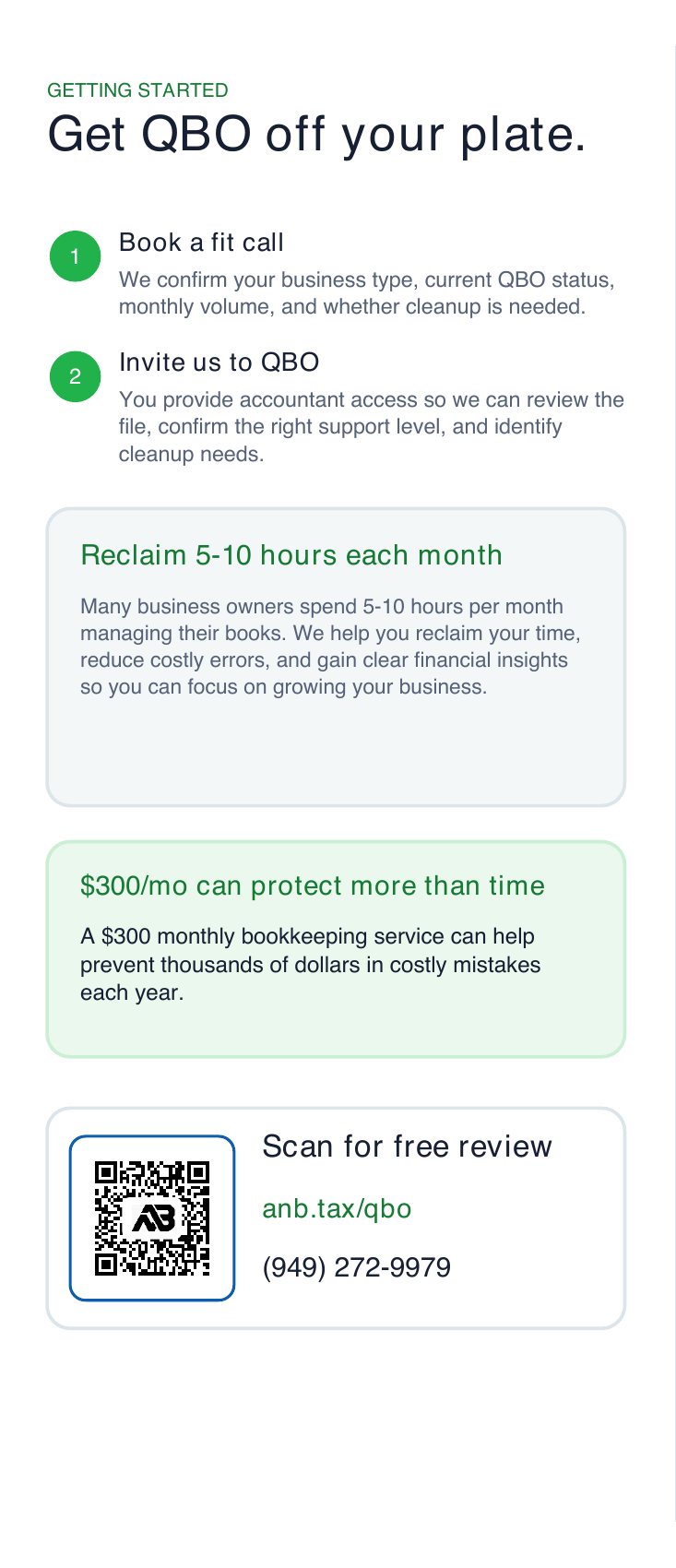
Position the brochure around one audience, one problem, and one next step so readers know why to act.
Connect the printed piece to a booking page, quote request, service page, or focused landing page.
Use QR links, call prompts, and follow-up notes so print does not disappear after the handout.
Depending on quantity, paper, and print vendor, full-color tri-folds can often land around cents to about a dollar per piece.
Because a tri-fold can fit on standard letter paper, a business with a color duplex printer can print a small batch before ordering more.
The brochure, QR code, landing page, booking flow, and follow-up all work together instead of sending people into a generic website.
Paid clicks can get expensive in competitive categories. A brochure gives startups and local teams another way to create tracked referrals.
Print cost varies by vendor, quantity, paper, finish, and turnaround. The advantage is the controlled flow: you can start with a small in-house color duplex run, then send the same tracked QR code, booking page, quote form, or dedicated campaign link into a larger print batch.
Give walk-ins and existing customers a compact reason to remember, scan, and book.
Make it easy for accountants, agents, clinics, venues, or local partners to explain your offer.
Send a clear printed offer into the real world without losing the digital path back.
Clarify the service, audience, proof points, and action the brochure should create.
Map the panels so the cover, proof, services, QR path, and call to action work in order.
Plan the booking page, lead form, call tracking, email follow-up, and scan reporting.
This preview uses the production color tri-fold artwork and turns it into a foldable web sample for web sharing, QR scans, approval, and sales conversations.
Yes. The service can focus on the brochure message, tri-fold structure, QR path, and print-to-digital handoff without rebuilding the rest of the website.
Yes. If you already have a booking page, service page, or quote form, the brochure can be built around that existing destination.
Yes. If the design is built for standard letter paper and your printer supports color duplex printing, you can print a small in-house batch before using a print vendor for larger quantities.
Yes. This page can sell the brochure service directly while the finished brochure campaign can send offline readers into the best digital next step.
Metrosia can set up a tracked QR destination, campaign link, booking path, and reporting notes so scans and form submissions can be tied back to the brochure campaign.
A useful quote usually needs the business, the offer, the action you want readers to take, and where the QR code should send them. If you are not sure yet, say that and Metrosia can help shape the path.
Metrosia can shape the offer, structure the panels, write the copy, plan the QR handoff, and connect the follow-up path.